Hi there! 
We are happy to announce the 5.0.0-beta.1 version for the ownCloud Android mobile app! 
5.0.0-beta.1 focuses on Sharing NG, the new generation of sharing natively supported by ownCloud Infinite Scale backends. It brings new API calls, a new UI based on space management, and an overall better experience for oCIS users in the Android app.
What matters most for beta testing in 5.0.0-beta.1? Everything related to sharing. Let’s dive in.
Share with people
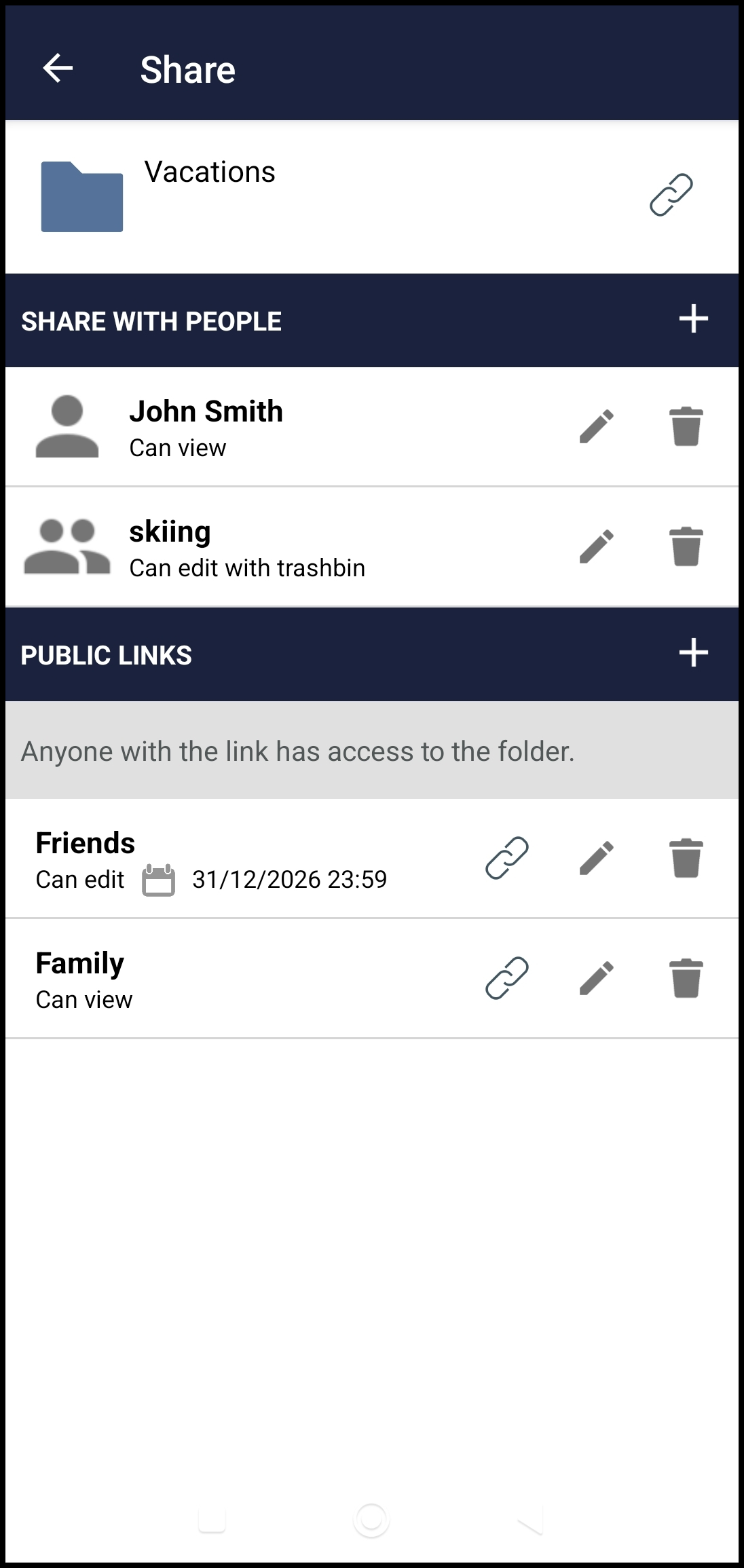
The regular process for sharing a file or folder with another user will be very familiar to you. Just click the + button next to SHARE WITH PEOPLE and type the sharee’s name or username to search for them:
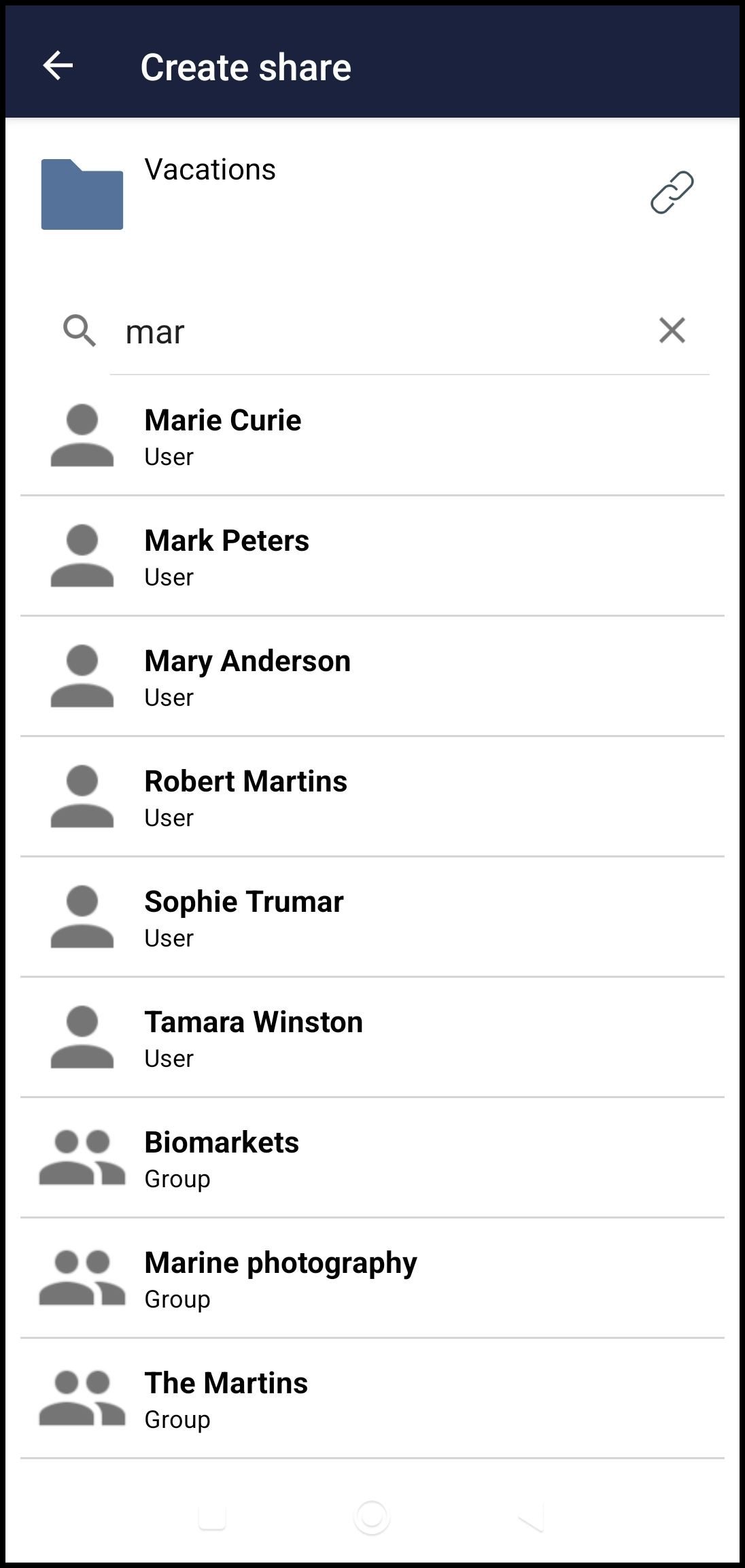
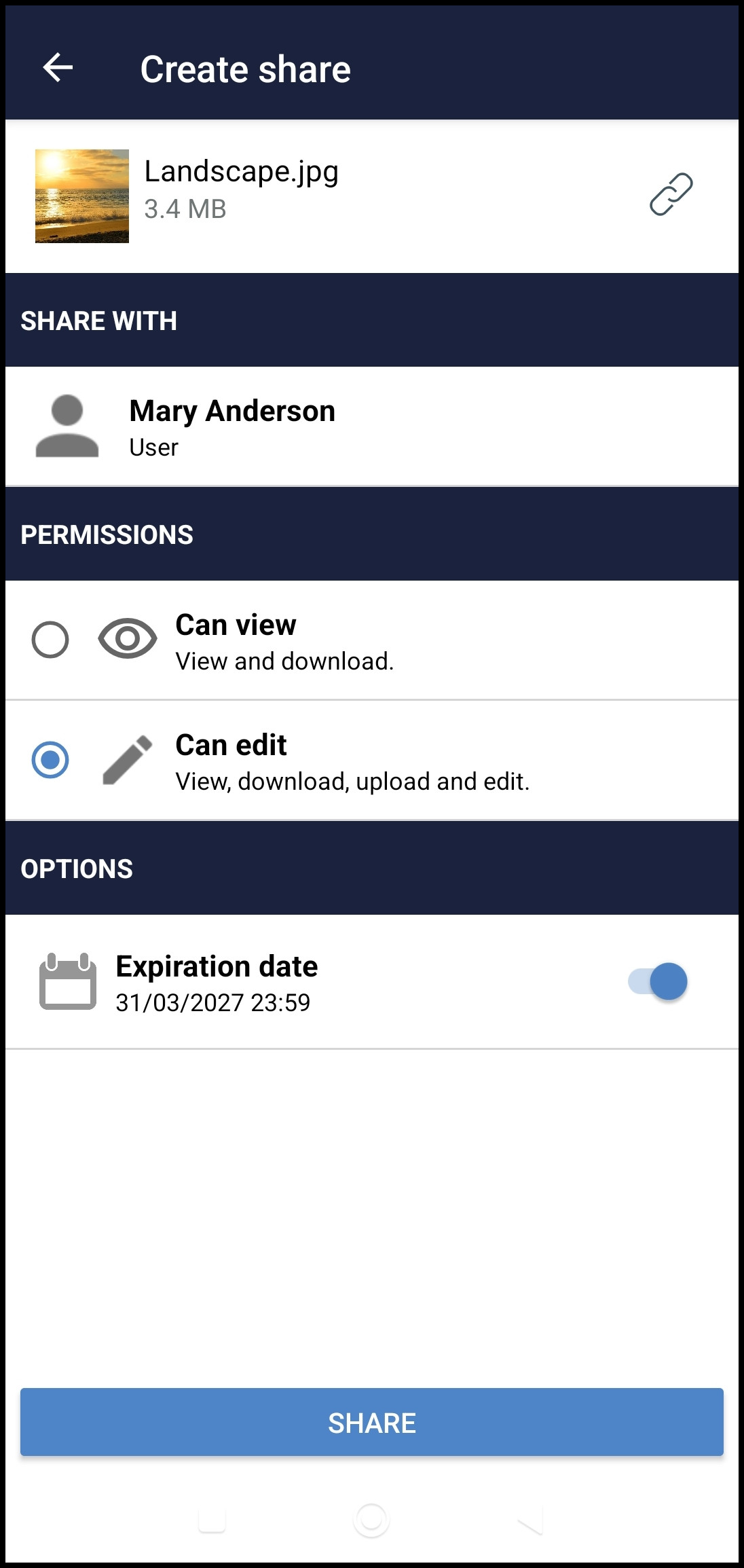
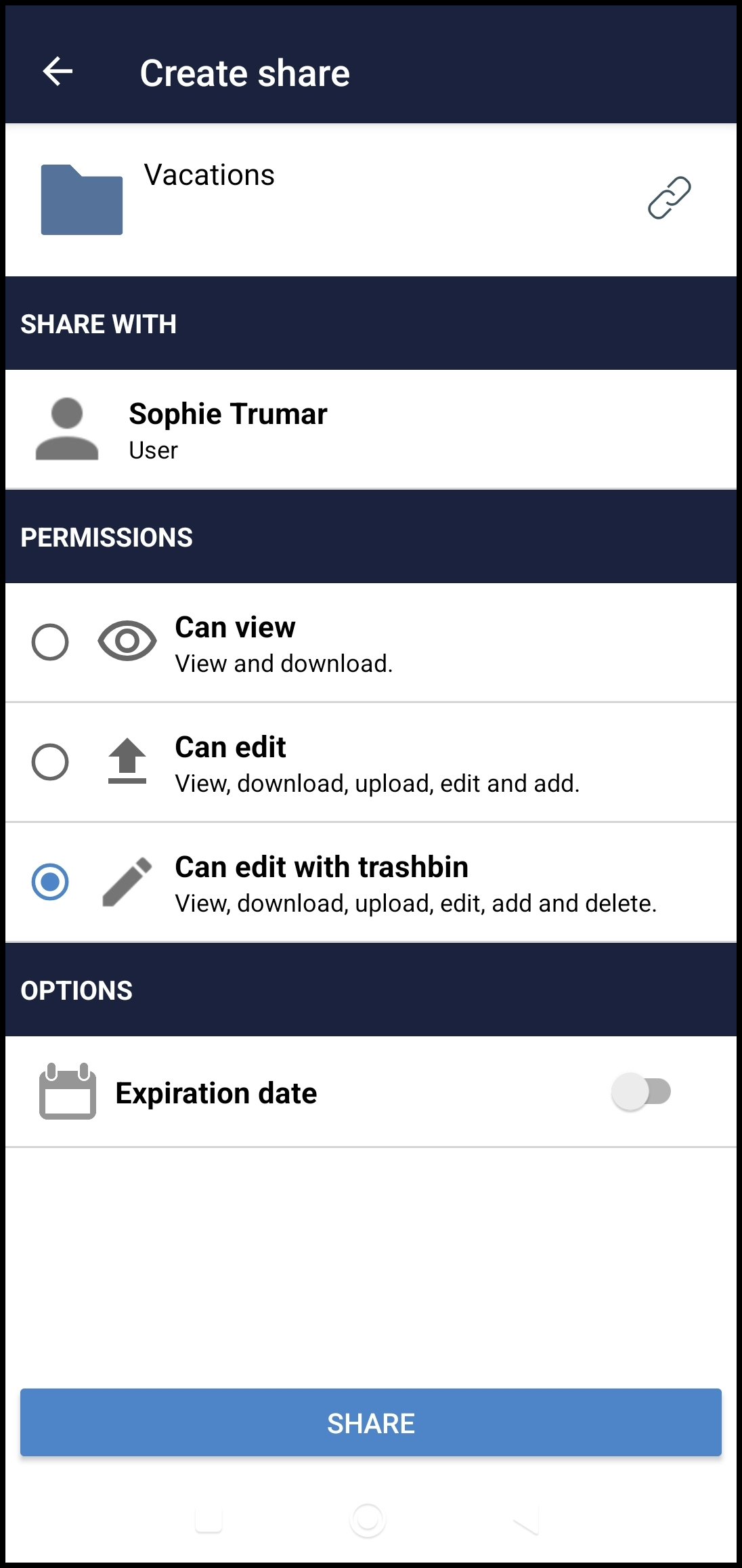
Choose the user or group you want from the list, then set a permission level and an optional expiration date for their access to your item:
Public links
The process for creating links follows the same pattern: click + to add a new link, choose a permission (mandatory), and optionally set a name and expiration date. The link can be password-protected if your server supports it. Folders also support an extra permission level, Secret File Drop, which allows uploading files without giving list visibility.
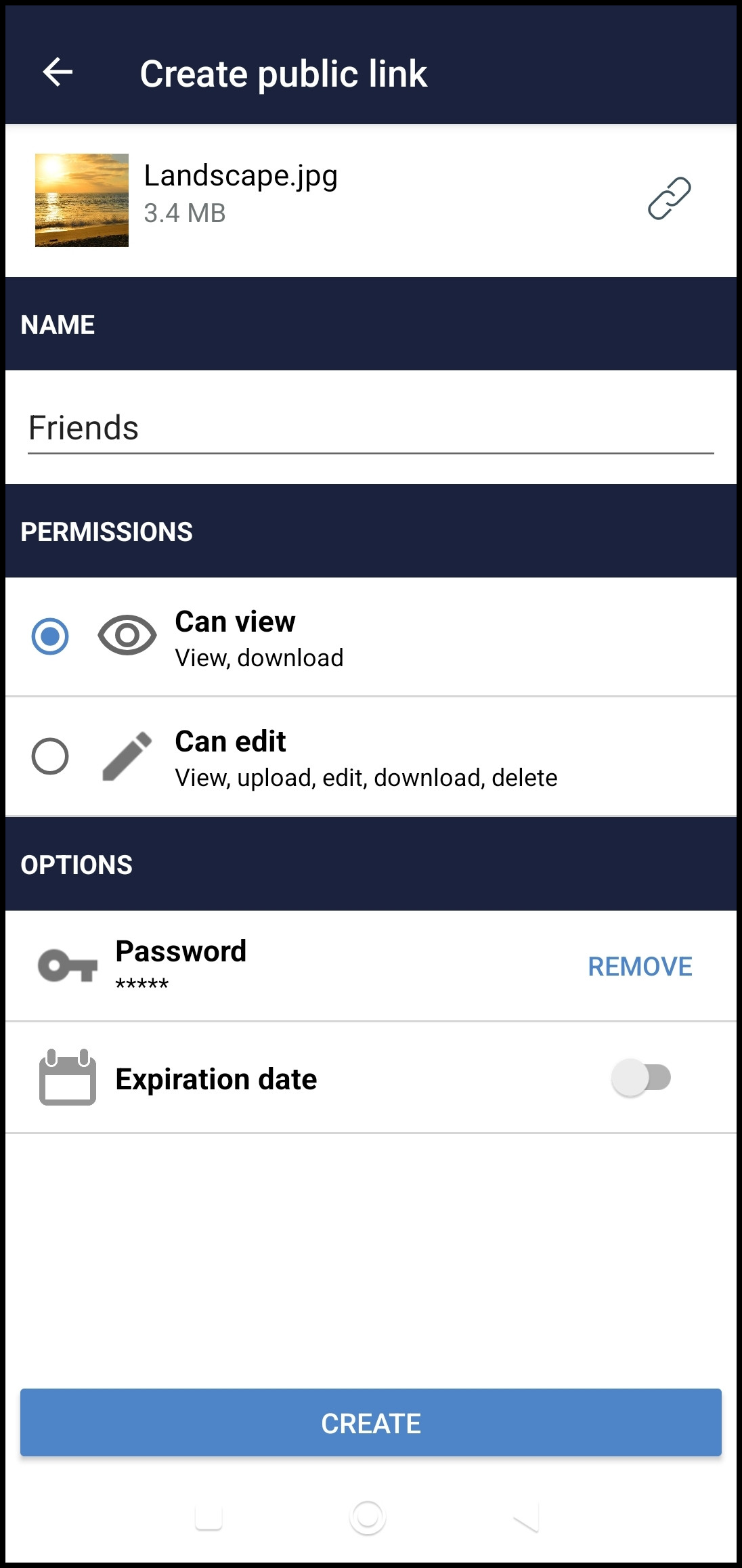
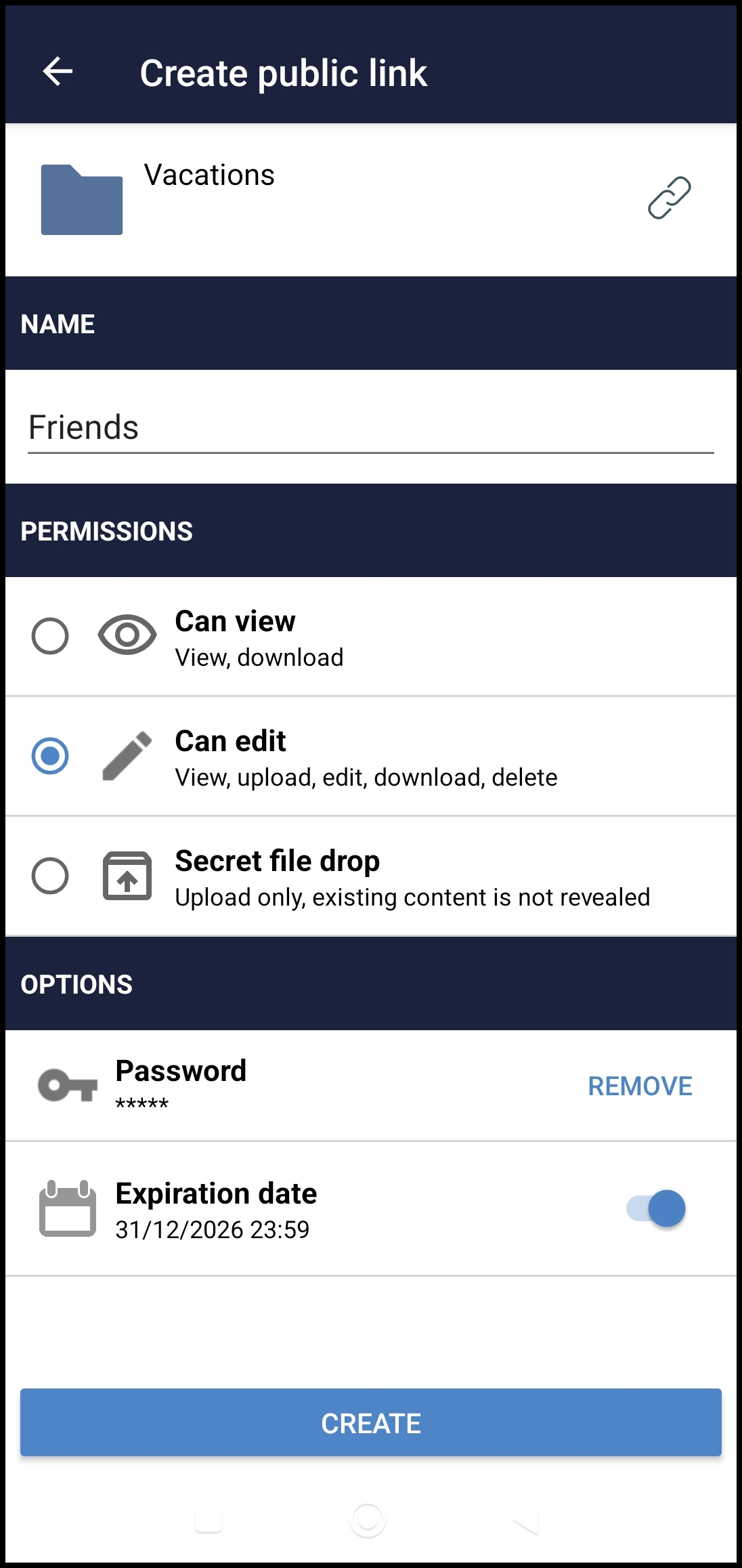
A complete list of shares and links is always available for any file or folder in your oCIS account, regardless of the space it belongs to, as long as your permissions allow it. That’s something new in this release: it doesn’t matter which space, only the permission matters.

Of course, any share or link can be edited or removed as well, by clicking the pencil or trash bin icons.
Sharing NG will only be available for oCIS servers. For ownCloud Classic servers, the legacy behavior stays, so each backend gets a different, tailored sharing solution.
Looking forward to your feedback!
NOTE: The Share tab in the bottom bar of the file list shows the list of Shared with me items. This will be fleshed out for the final release, so it shouldn’t be a testing target for 5.0.0-beta.1.
Bugfixes and other improvements
The new version also includes many bugfixes and improvements that make our app better:
-
Improvements in passcode view
-
Navigation to parent folder with controls or gestures (community contribution)
-
Other bugfixes and technical improvements
These are the most important news the version brings with it. Since it’s a beta release, we would appreciate as much testing and feedback as possible! Let’s make ownCloud together! 

How can I join the beta program?
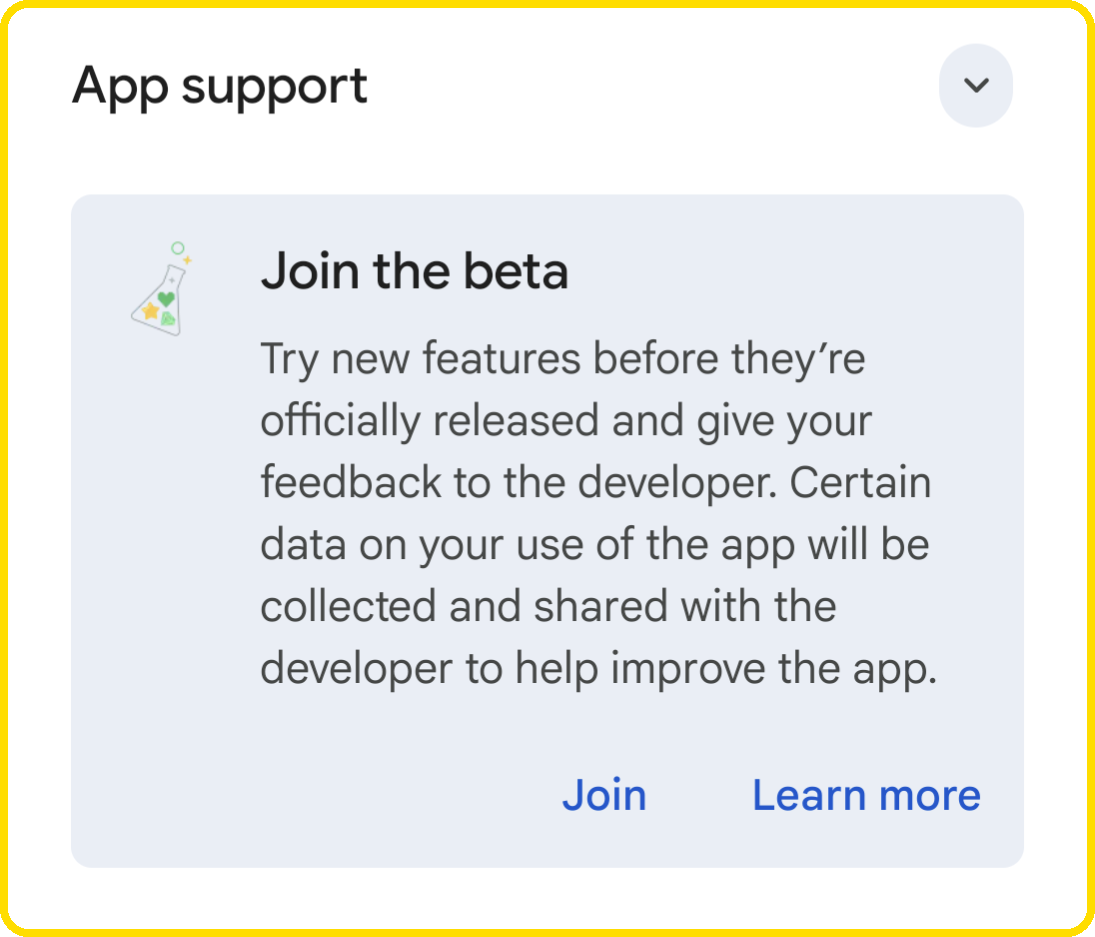
If you want to join the beta program in Play Store, you will need to have the latest app version installed. If you already have the last version installed, go to ownCloud app in Play Store and scroll down to the end of the view; there you will see a new section like the one below, just press the “Join” button to join and your final app will be replaced with the beta one.
How can I enable logs in the ownCloud Android app?
Before you start trying to break the app, it’s very important and useful for us, the developers, to have a record of what’s happening in case the app misbehaves. Due to this, enabling logs and sending them to us is the best way to help us improve the app and offering the best user experience.
Enabling logs
By default, logging is disabled. To activate them, you have to go to Settings > Logging > Enable logging. From the moment they are enabled, logs will keep track of every event occurring in the app. These DON’T include user’s sensitive information, so they can be used safely.
Watching and sharing log files
Once logging is enabled and some actions have been performed within the app, log files will be created. To see them, you have to go to Settings > Logging > Log files. There, you can easily share them tapping on the share icon.
How can I send my feedback to ownCloud Android developers?
If you find a bug or want to make any suggestions, please participate in one of these channels:
-
Open a new issue on GitHub: Issues · owncloud/android · GitHub
-
Open here, in central, a new topic tagged with
Android: https://central.owncloud.org
Your feedback would be highly appreciated!
Enjoy the new 5.0.0-beta.1 version 