Hello,
I just installed Owncloud on my Mac mini M4 Pro and I’d like to add my server address.
So I entered my server address, then my login credentials. When I get to the synchronization page, I want to add my SSD, which I’d like to back up. I go to the advanced settings to select my SSD. I then click “Finish,” but at the end I get this message!
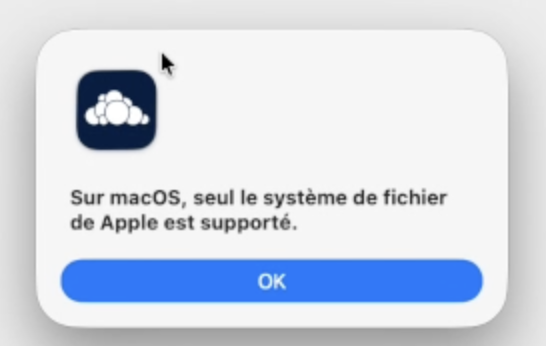
My Ordinateur : Mac Mini M4 Pro OS TAHOE 26.3
Owncloud Client
ownCloud 6.0.3.18040 7c8209
Bibliothèques Qt 6.8.3, OpenSSL 3.4.3 30 Sep 2025
Utilisation du plugin de fichiers virtuels : suffix
OS: macos-25.3.0 (build arch: arm64, CPU arch: arm64)
QPA: cocoa
Owncloud server
ownCloud 10.15.3 (stable)
My SSD EXTERNE : fanxiang SSD NVMe 1To SSD M.2
Here youwill find a video that explains the problem.
Where is the problème?
Thank you